Improving the Health
of Millions of People
Around the World


200M Installs
Welltech is a data-driven company. We rely on numbers, and they bring us
results.

5+ Products
We are focused on creating and developing our own products.

6+ Years on the Market
We're known for our devotion to constant growth, development, and learning
new things.

600+ People in the Team
600+ amazing people create products that help millions of people feel better.
Our Products
- Muscle Booster
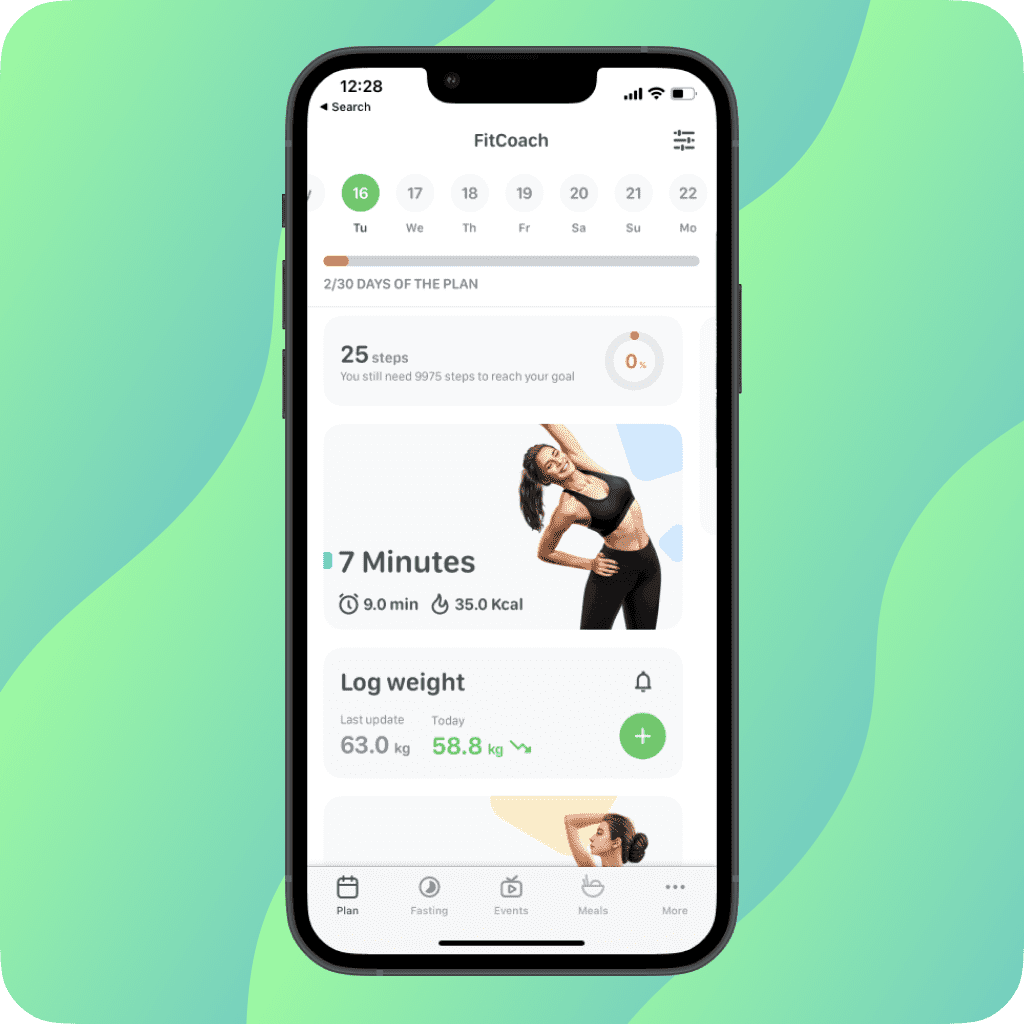
- FitCoach
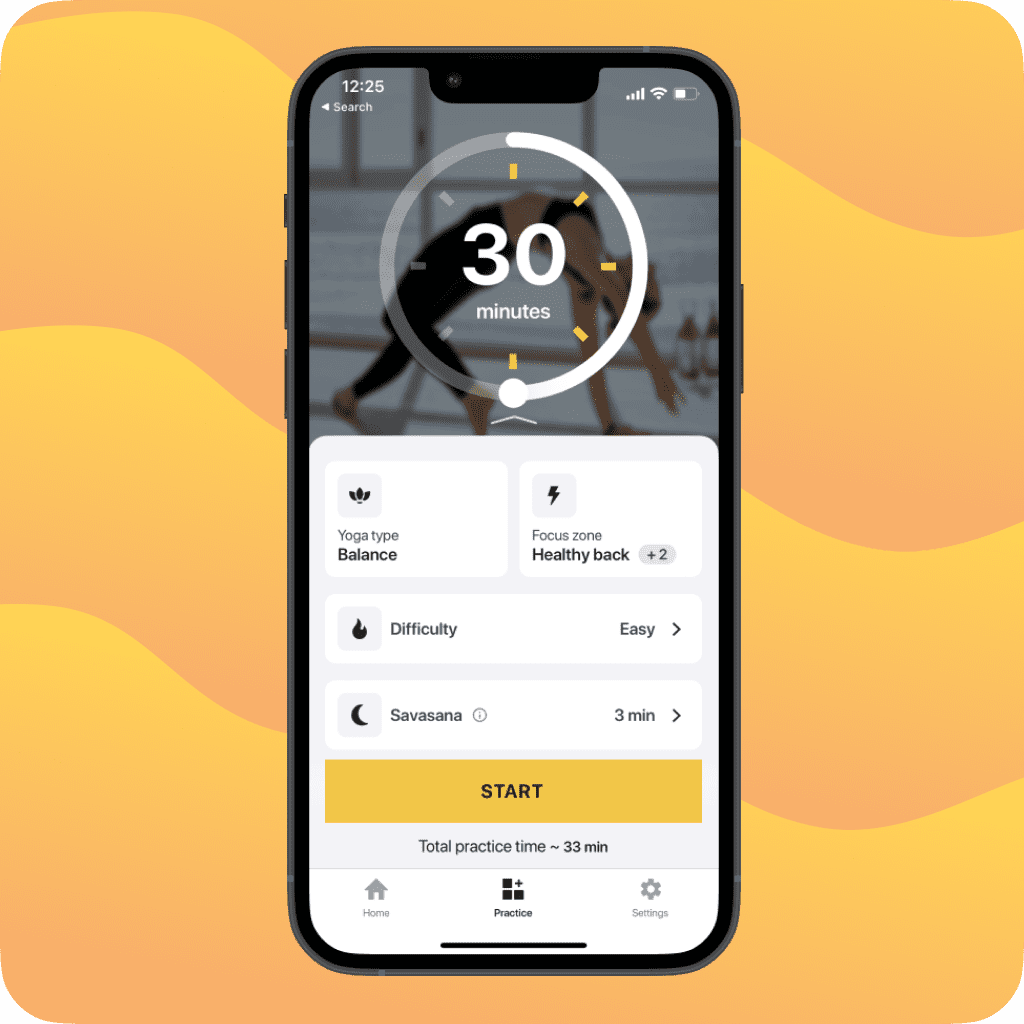
- Yoga-Go
- Omo
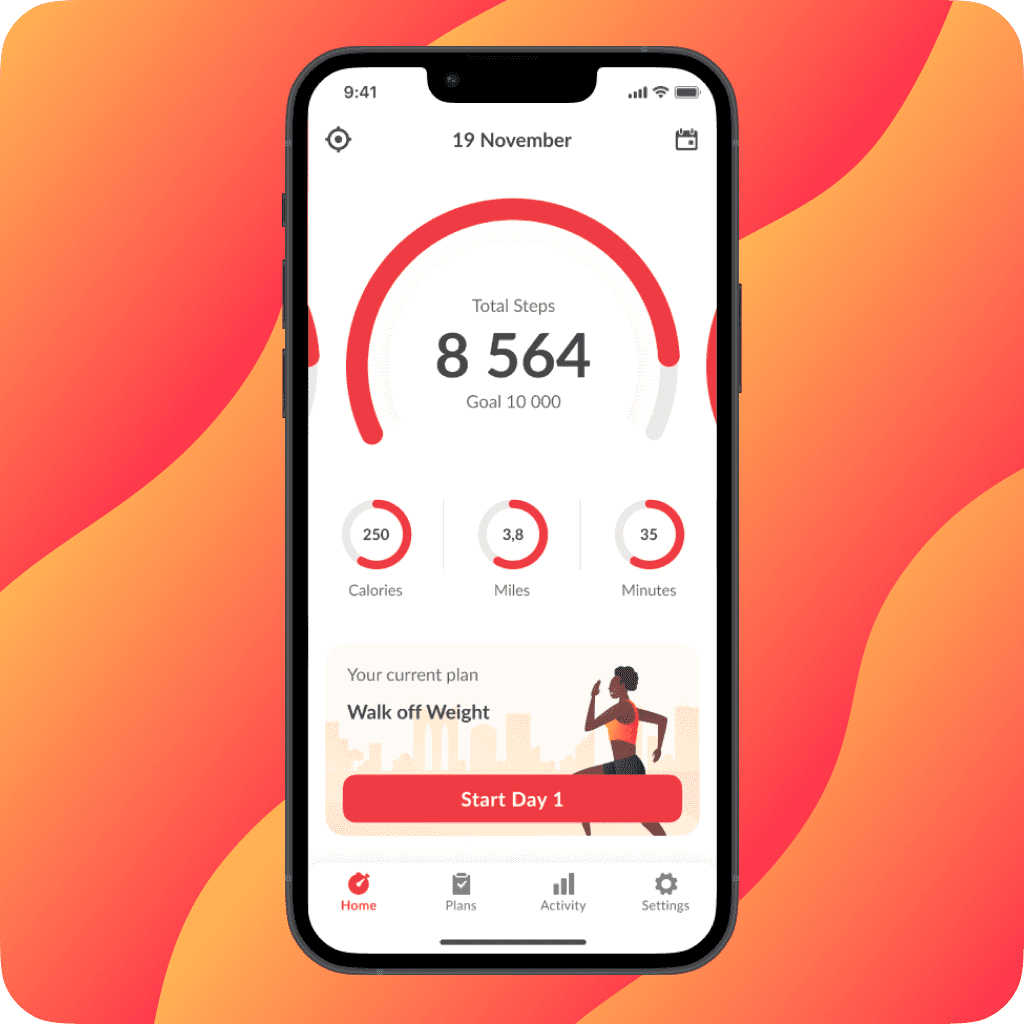
- WalkFit
Our
Products

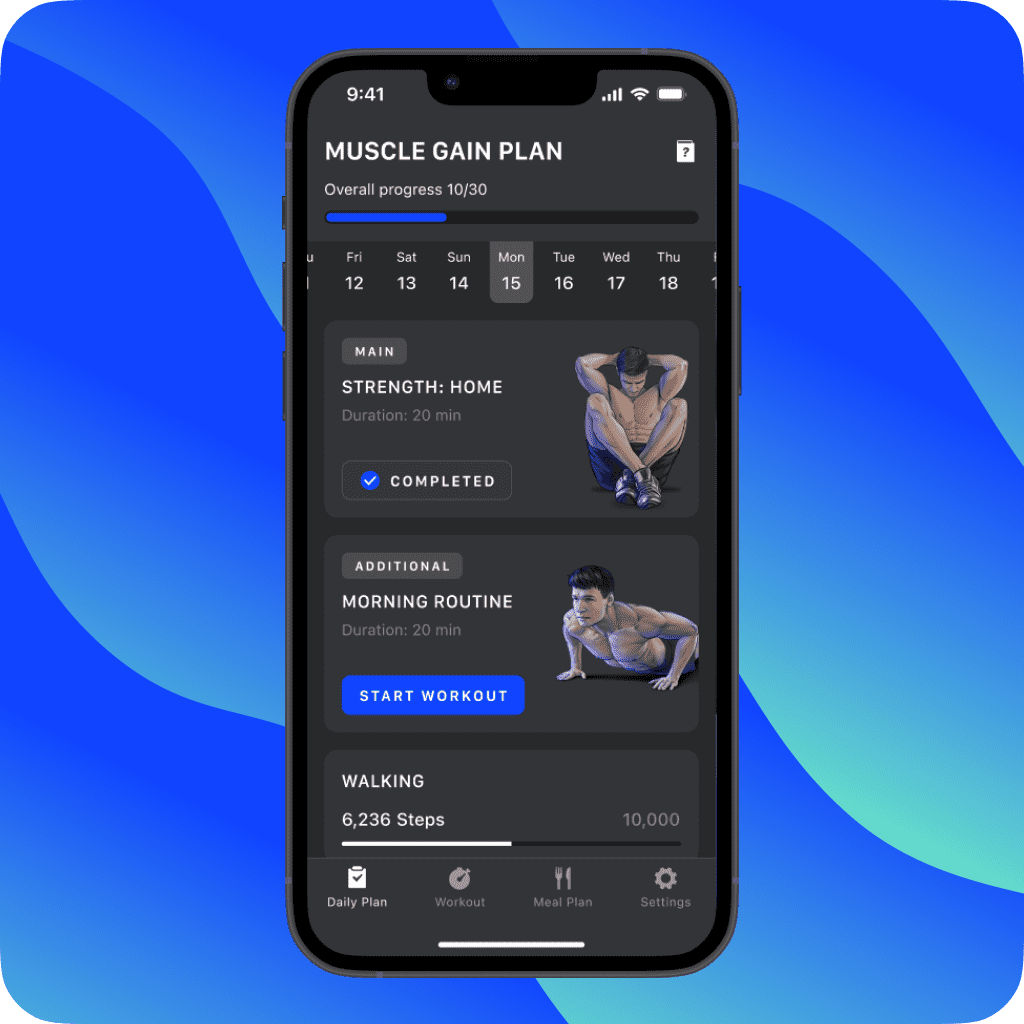
Muscle Booster
#1 app for men`s fitness

5-star ratings on App Store
125 000+
5-star ratings on Google Play
75 000+
 DOWNLOAD APP


AppMagic, As of Dec 22, by revenue, Worldwide






 Learn more
We create content you can trust in collaboration
with certified coaches and nutritionists.

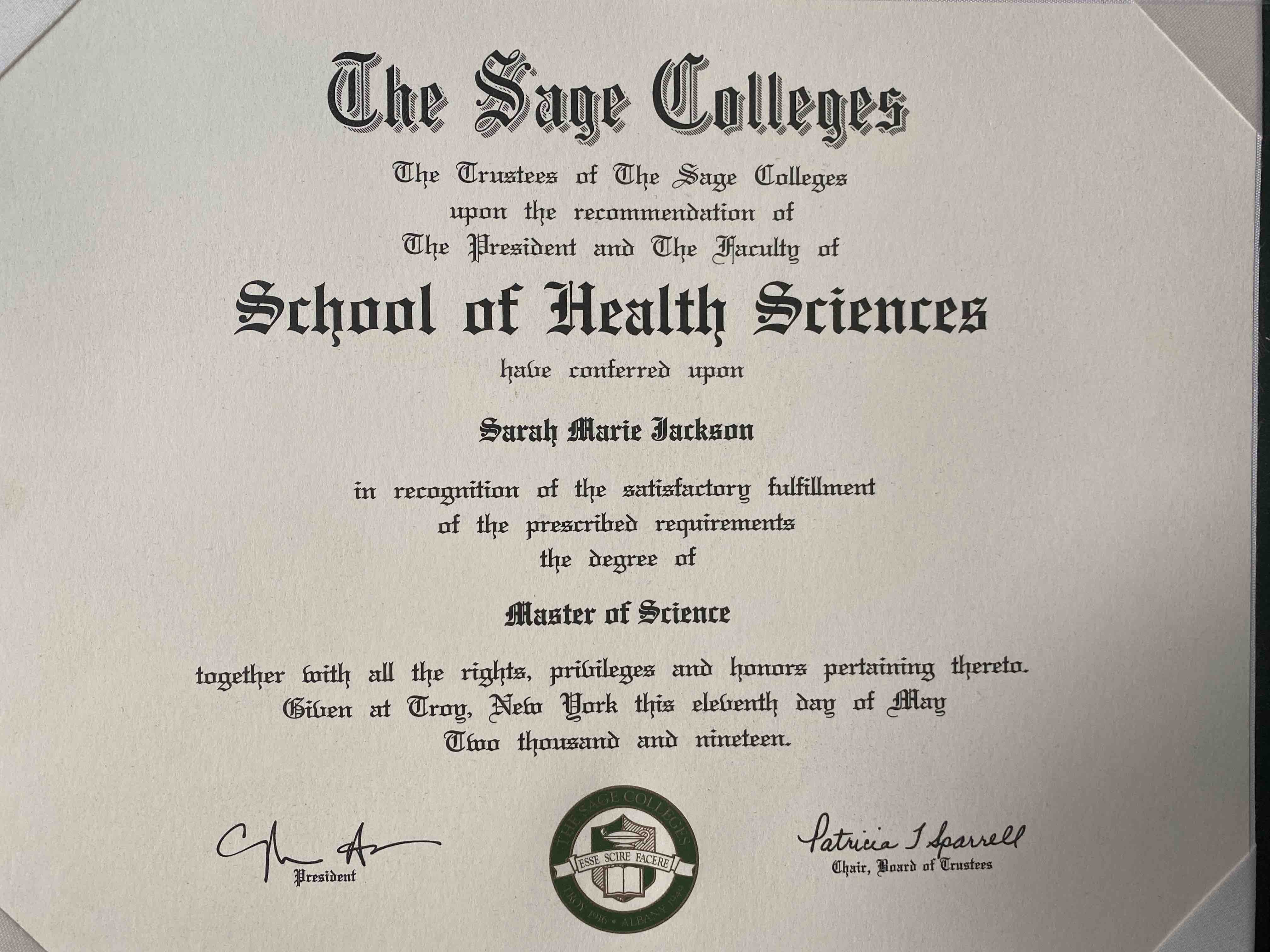
Sarah Jackson
M.S, Registered Dietitian Nutritionist, Certified LEAP (Lifestyle Eating & Performance)
LinkedIn
View certificates

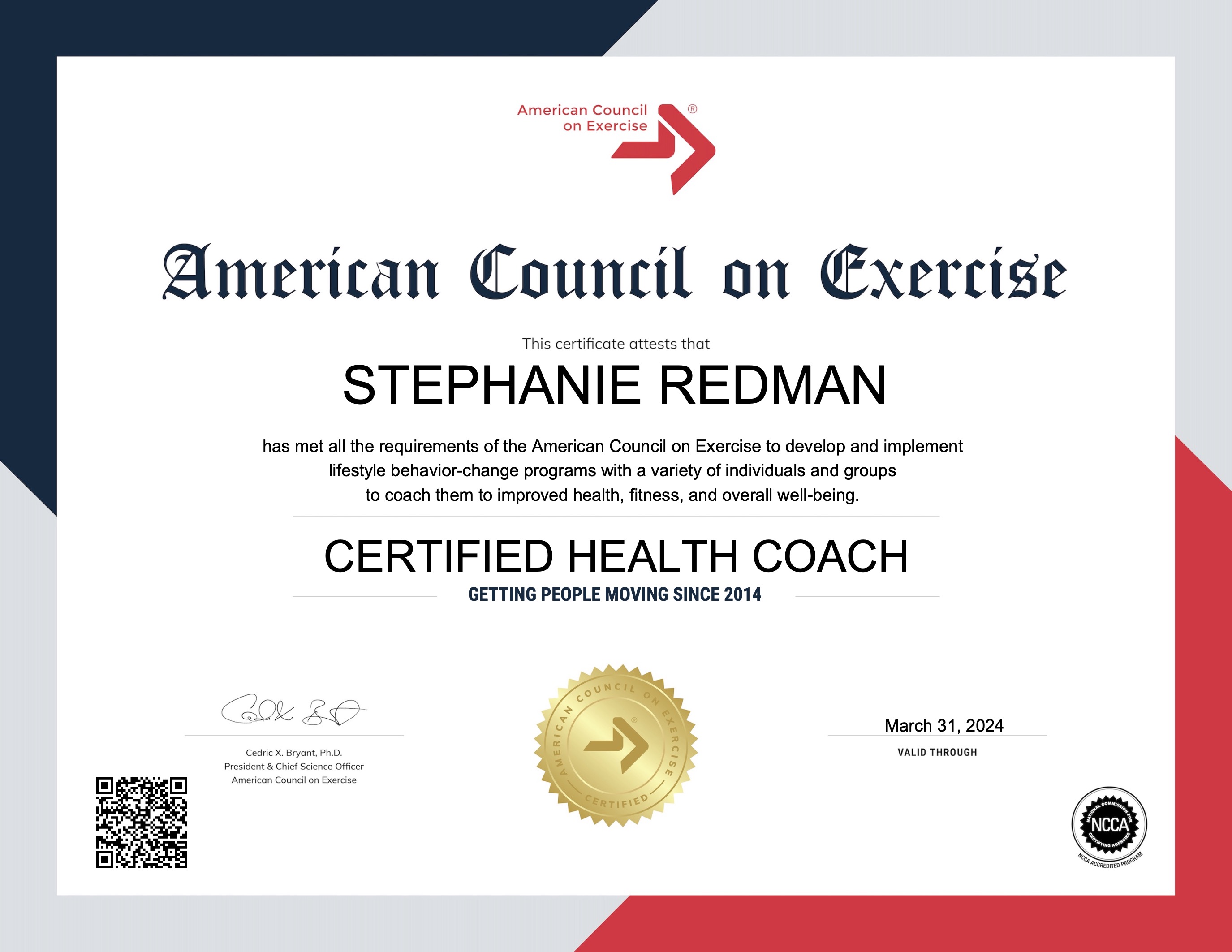
View certificates

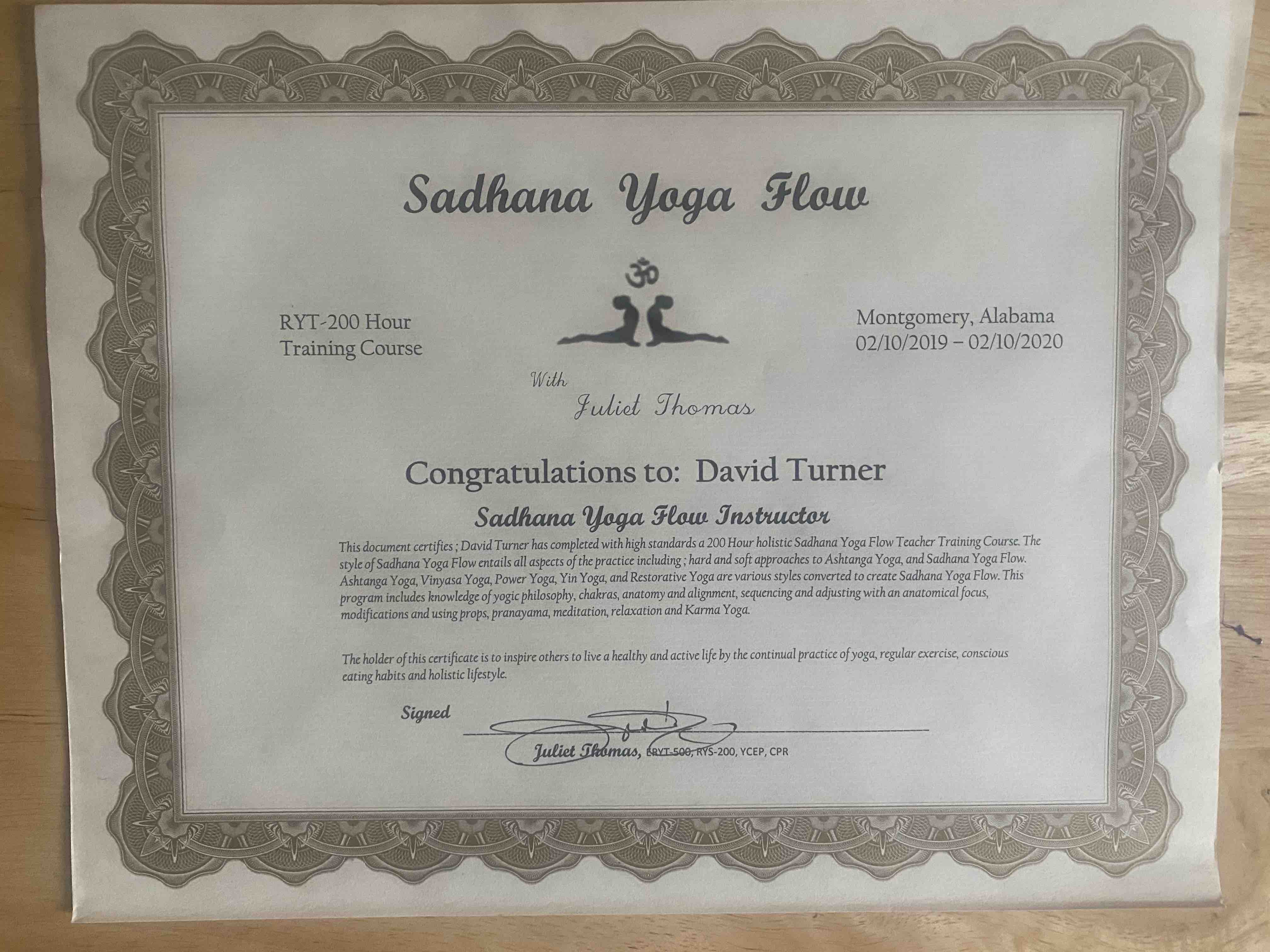
David Turner
Yoga Instructor, YMCA, B.S. in Sports & FitnessManagement, Sadhana Yoga Flow Certification
LinkedIn
View certificates

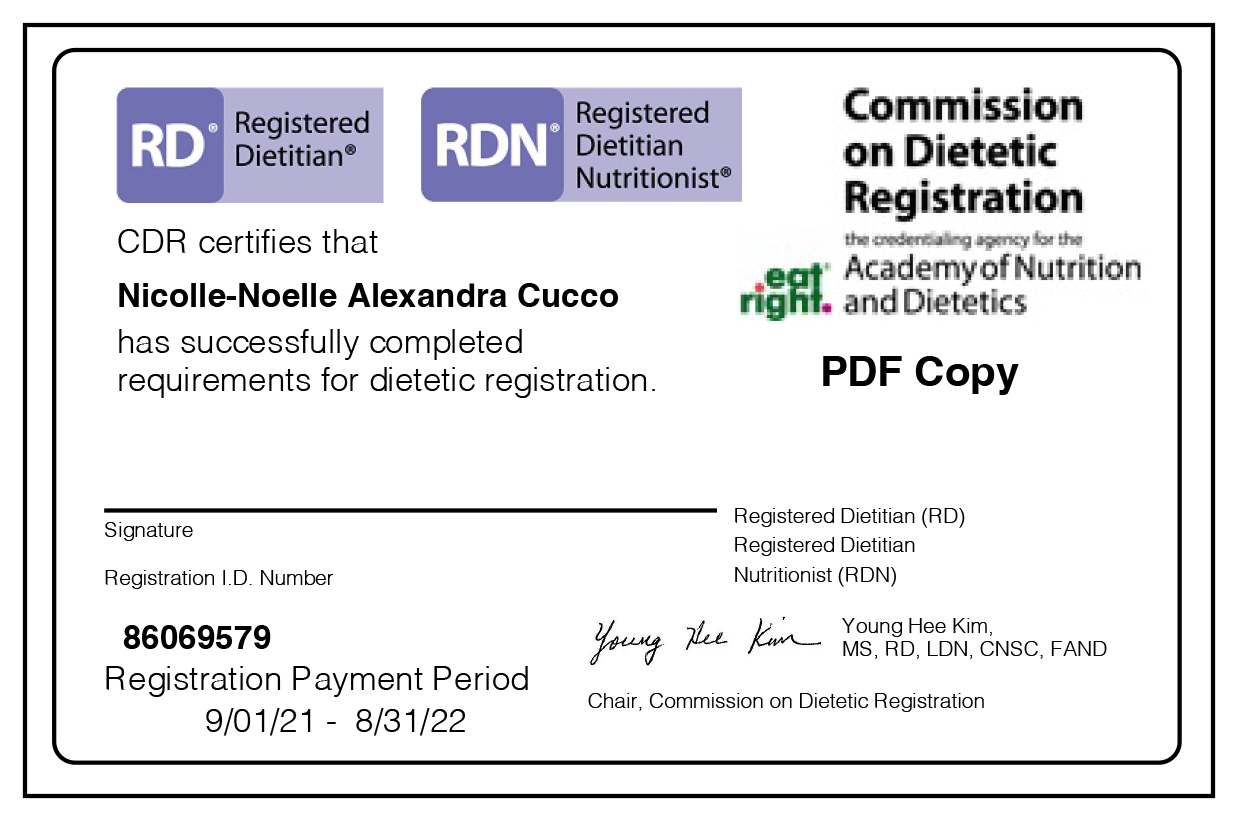
Nicolle Cucco
M.S, Registered Dietitian Nutritionist, Certified LEAP (Lifestyle Eating & Performance)
LinkedIn
View certificates
 Learn more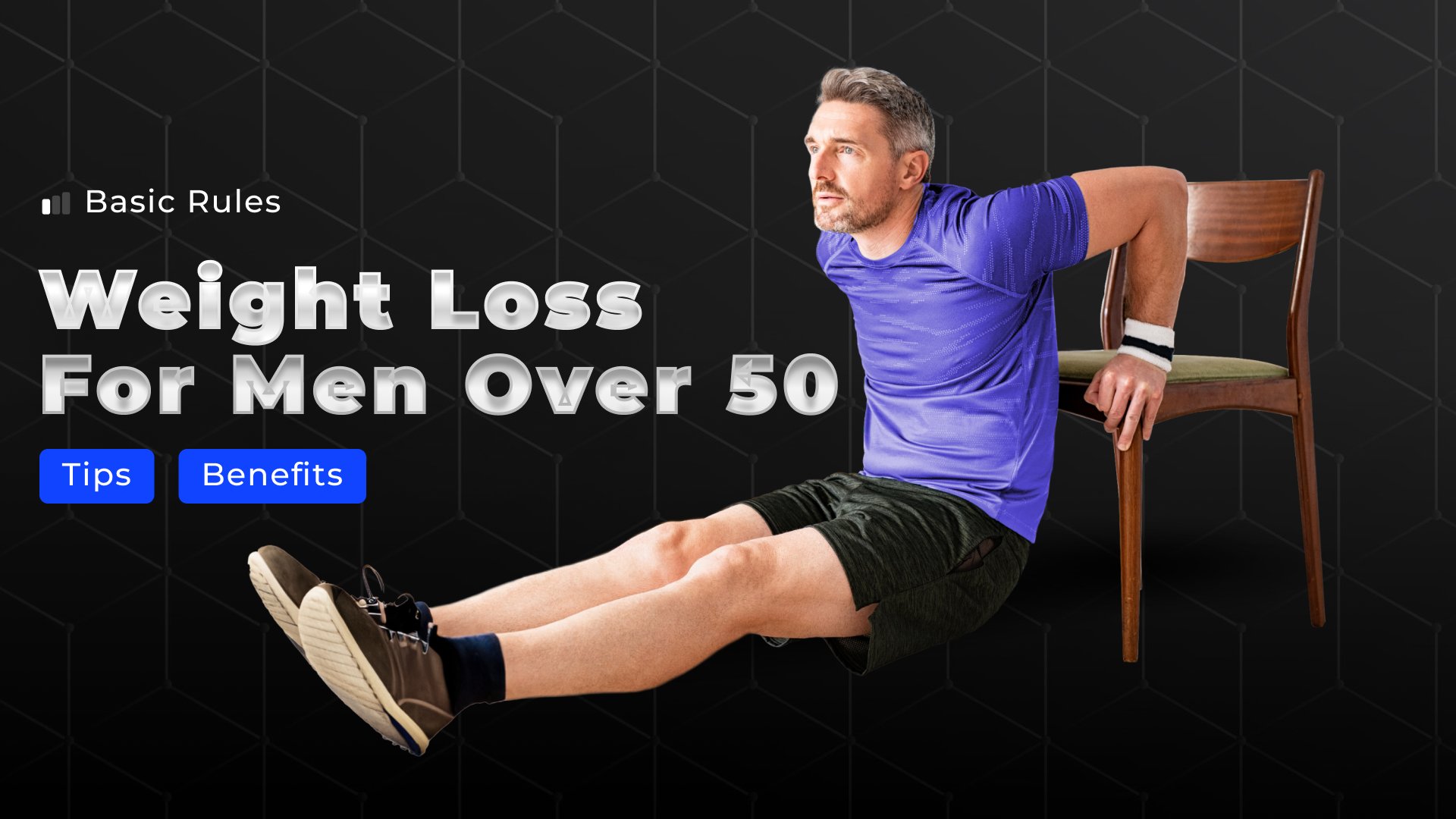





Jump-start Your
Career With Welltech
Jump-start
Your Career
With
Welltech
We have open positions
